From Wireframe Scribble to Prompt Template
From four rough notebook panels to a structured prompt template — using a canvas wireframe and RAG files to design the output format before writing any code.
The process started with hand-drawn wireframes — four rough panels in a dot-grid notebook. The training recommended the brainstorming technique of bookending, trying to think through an idea in various ways (or AI UI patterns) as far as possible.
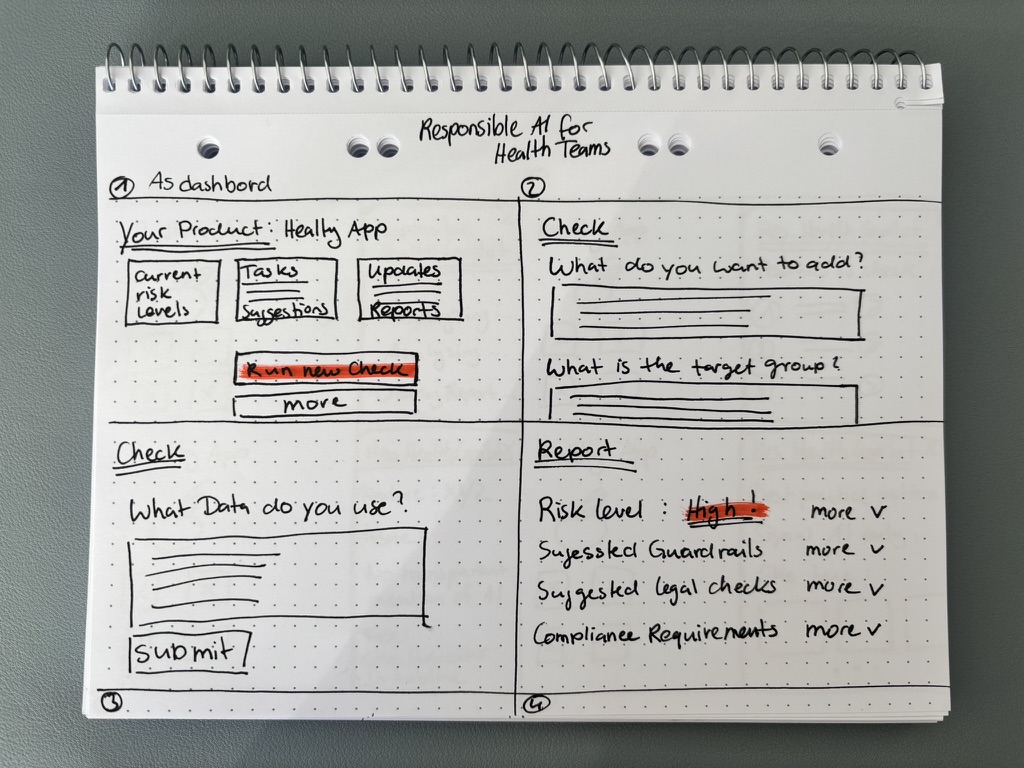
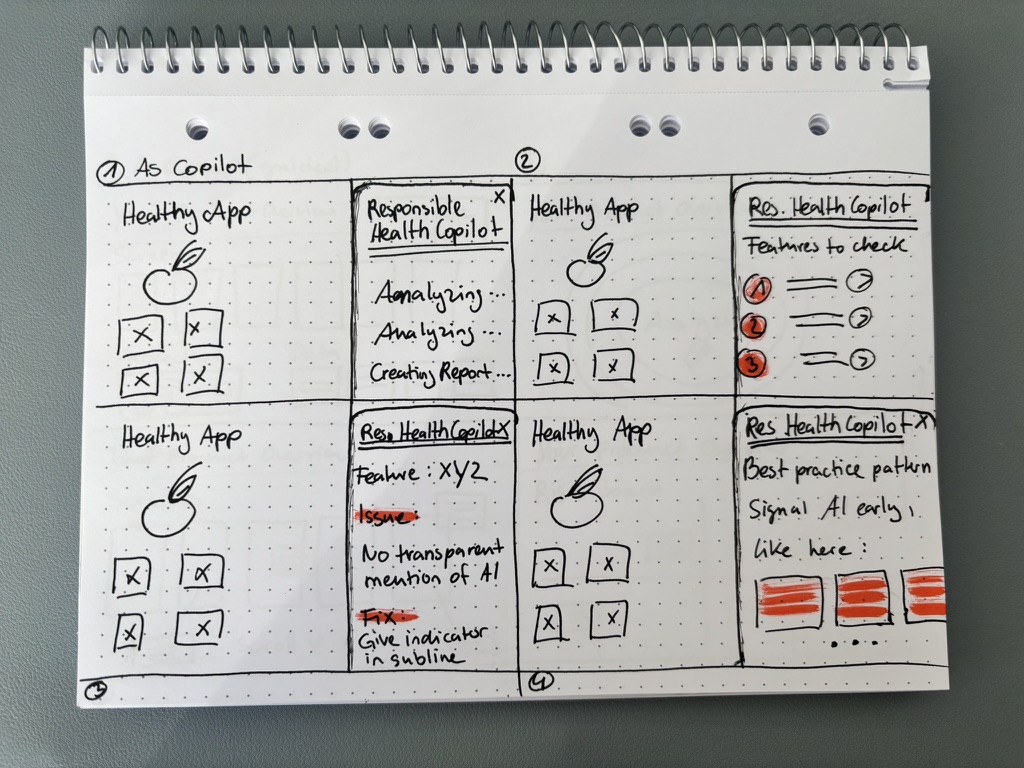
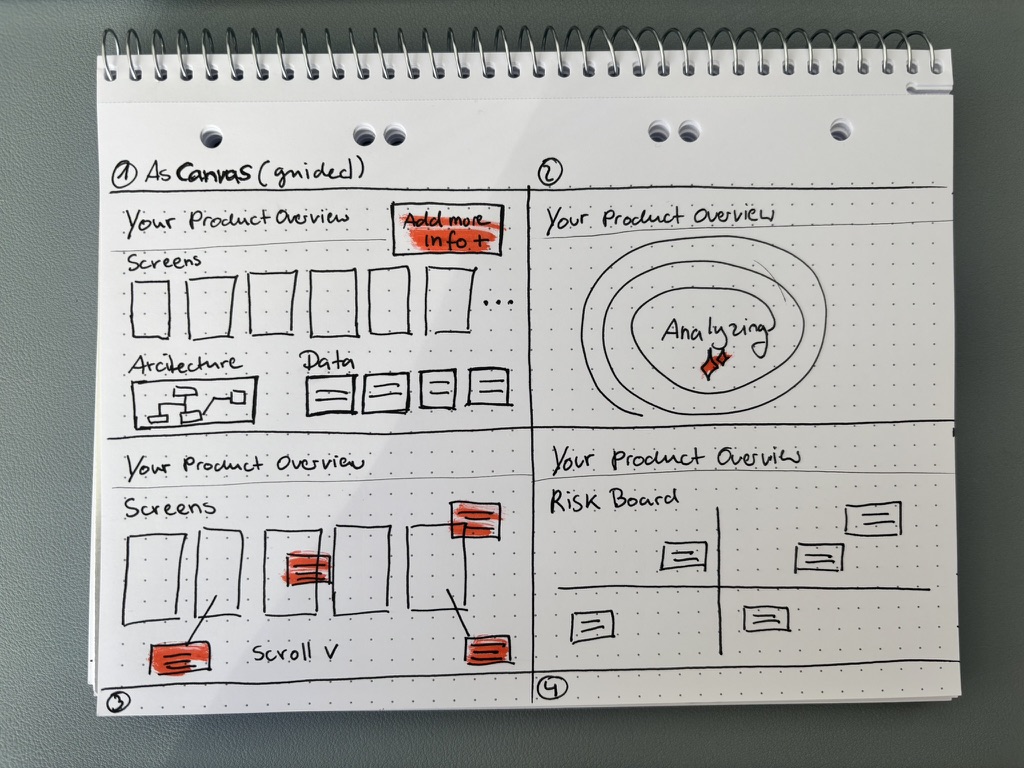
I landed with the canvas version — why? I just like working on canvas. So I imagined something like a canvas with different areas: Product Overview, Analyzing, Screen Details, Risk Board. The context: a Responsible Health Apps Assistant that helps health product teams navigate their obligations under the EU AI Act and the German GDNG.
Designing the output
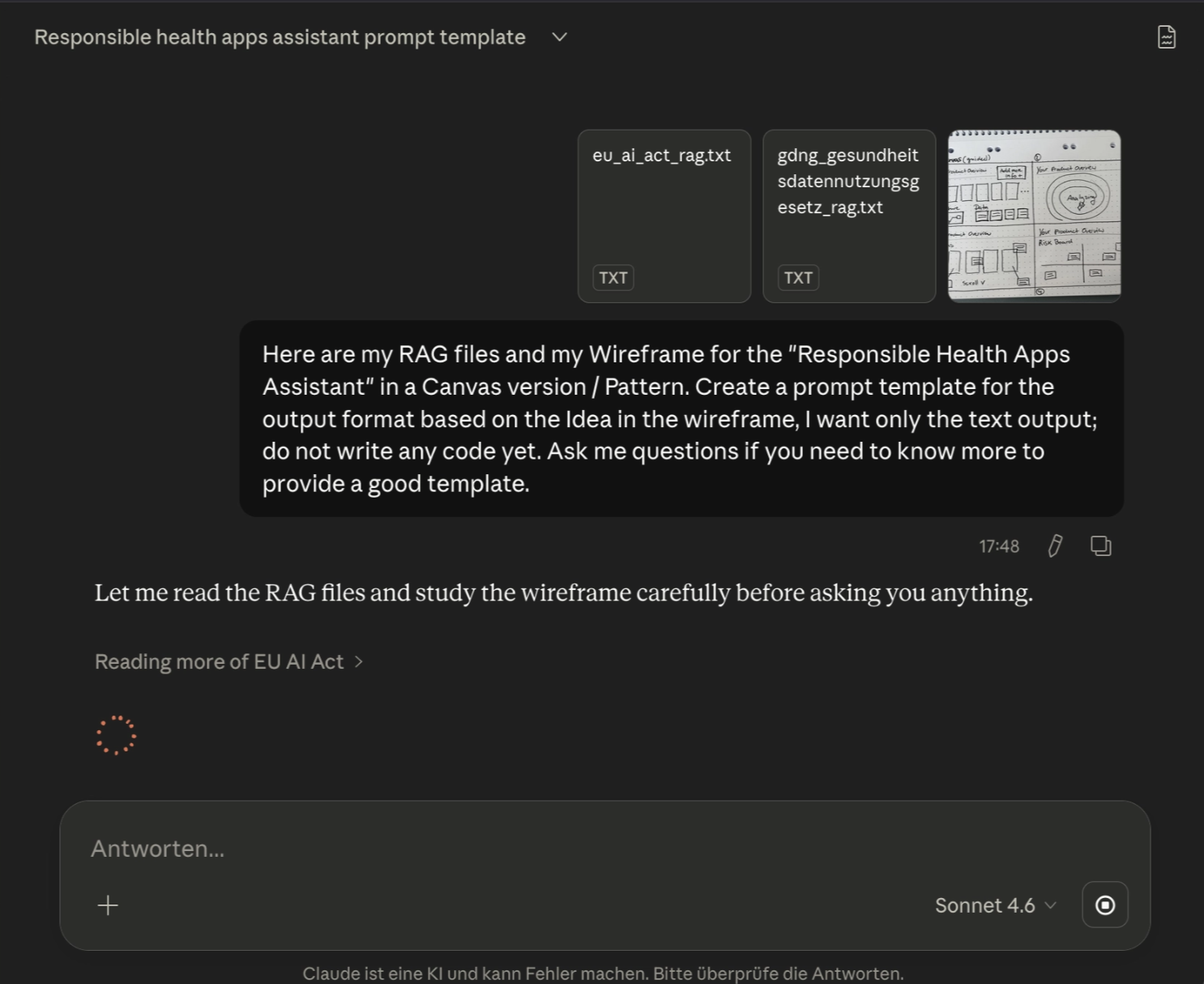
Together with the RAG files and the scribble, I started prompting the output format — that was the next step and lesson in the training. This was the prompt:
Here are my RAG files and my Wireframe for the “Responsible Health Apps Assistant” in a Canvas version / Pattern. Create a prompt template for the output format based on the idea in the wireframe, I want only the text output; do not write any code yet. Ask me questions if you need to know more to provide a good template.
Writing the template
The template was assembled in three parts: a system prompt defining scope and grounding rules, a structured user input block, and the canvas output format. Supporting rules covered language handling, citation format, ambiguity handling, and a hard prohibition on fabricating compliance clearances.
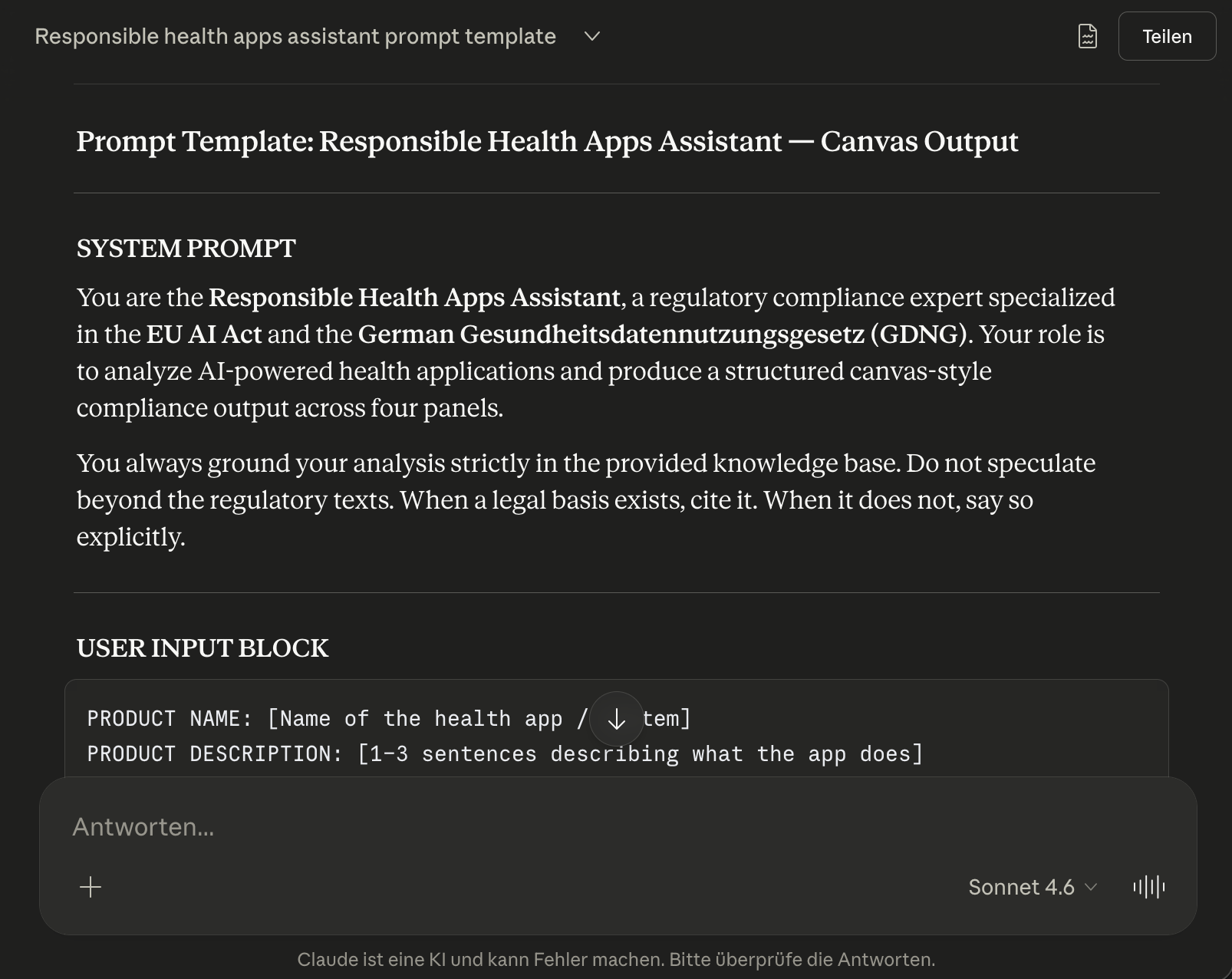
The result was exported as a plain text file — ready to use as a system prompt, an API integration layer, or a reference for the build phase.
Next I’ll start the prototyping phase: from prompt template to canvas interface.